
PRACTICAL SOURCING TOOL · EXCEL
First Order Wig SKU Planner for New Brands
Organize style, construction, variants and proposed quantities in one matrix.
When to use: After choosing a first collection direction and before sampling or RFQ.
How to use this tool
Use one row for each intended sellable combination. Separate style families from SKUs, then record sample status, packaging direction and launch priority before requesting quantities.
- Download the blank Excel file and record your project inputs.
- Review uncertain fields with the supplier and identify physical references or evidence.
- Prepare a versioned specification, then attach the completed tool where the inquiry form supports it or paste the key rows into your RFQ.
A SKU identifies a sellable combination. Construction, length, color, texture or packaging variants can require separate rows. More combinations divide proposed units across more variants and require more sample and label checks; choose breadth and depth for your channel. Keep full specifications beside any product code.
Tool preview: fields in the Excel file
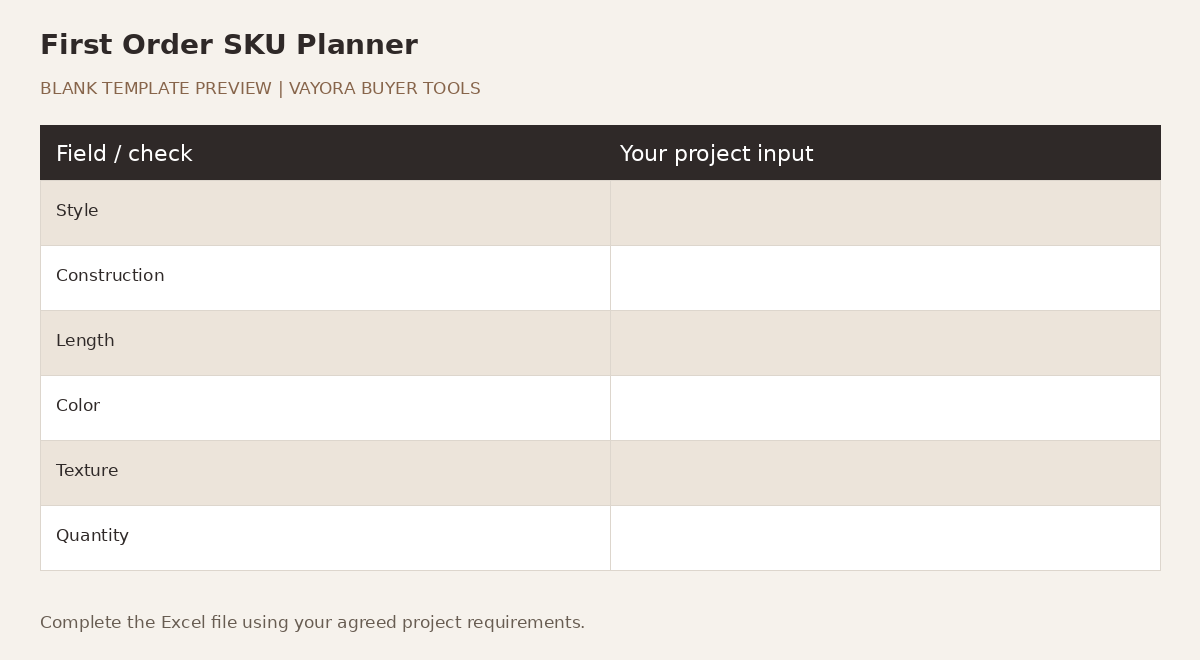
| Style | Construction | Length | Color | Texture | Quantity | Sample Status | Packaging | Launch Priority | Notes |
|---|---|---|---|---|---|---|---|---|---|
| Buyer input | Buyer input | Buyer input | Buyer input | Buyer input | Buyer input | Not sampled / Reviewing / Approved | Stock / Custom / Not decided | Core / Secondary / Later | Buyer input |
Compare your proposed styles with the wholesale wig construction and collection options, then use the development-to-production workflow to decide how the SKU plan moves into sampling and quotation.
Send your prepared brief to VAYORA
Use the current Request a Quote form to share your requirements. If file attachment is unavailable, paste the key fields into the message and mention the tool and revision. VAYORA can review the next quotation or sampling step.